Big sales coming soon
+23288921290
SHIPPING INFO
Free Shipping Conditions*
FREE RETURN
Within 1 Days*
STUDENT DISCOUNT
15% OFF*
LOEMART CLUB
15x FREE Shipping Vouchers*
JOIN EMAIL LIST
+100 Points
Image Image
Education

How to Create a Customer's Account

By Leomart 7 Views Jul 11, 2026

Welcome to Leomart Online Shopping, here, your will learn the step-by-step about how to create a customers Account.


Step 1. Visit leomart website. Click here


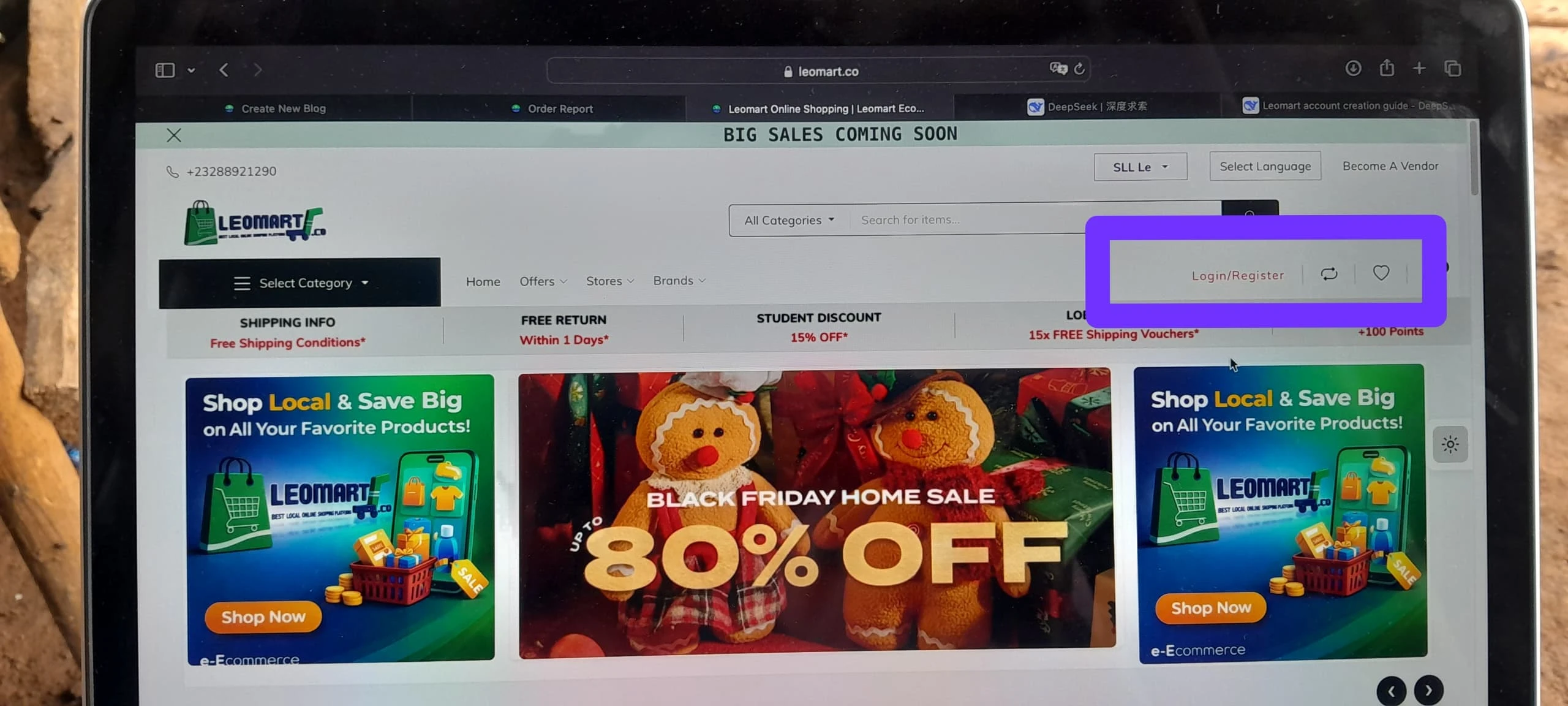
Step 2. Click on login/register button on the top right bar of the website (if computer). If phone or tabs, wait for a login/register popup banner to appear and click on register button.


See the button of login/register

Desktop Version


Step 3. Fill the form by entering all the necessary information


Personal information entering form


Step 4. If you were referred by someone, don't forget to enter the promo code for the person in order to get the amazing reward.


Referrer's Code form


Step 5. Enter the mix letter and numbers (Captcha) in the captcha form


Captcha entering form


Step 6. Accept the Terms And Conditions of the website. (Note, it is advisable to read all the terms and Conditions of the platform before trading or buying for more understanding)


T&M


Step 6. Finally click on sign up button .


Share Now

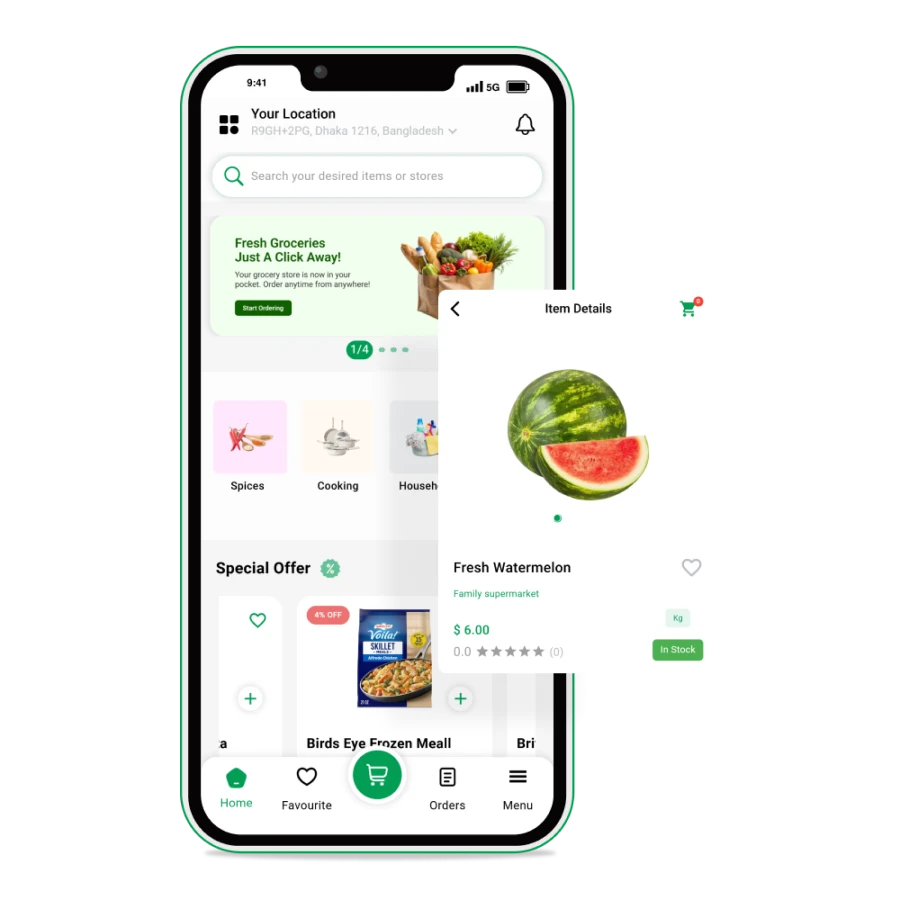
Download Leomart App

You Local Online Shipping

Image

Fast shipping

Fast shipping all across the country

Image

Authentic products

100% Authentic products

Image

100% Secure payment

We ensure secure transactions

Image

24/7 Support center

We ensure quality support

Chat with us on WhatsApp